Why Does My Anime Keep Buffering? 9 Causes and Fixes

3 min read
Published · Updated

In this article (12 sections)
- How to read your speed test
- 1. Your connection is slower than the video needs
- 2. Weak or crowded Wi-Fi
- 3. The streaming site's servers are busy
- 4. High ping or jitter
- 5. A VPN or proxy is slowing you down
- 6. Your provider is throttling video
- 7. Too many browser extensions or tabs
- 8. Old router or router problems
- 9. DNS or network congestion
- Quick fix checklist
- FAQs
Few things are more annoying than an episode freezing at the best moment. Anime keeps buffering for a handful of reasons, and most can be found in a few minutes. Start by running the test below, then work through the causes in order.
How to read your speed test
Download speed matters most, but video also needs low ping and low jitter. As a guide, 720p video needs about 5 Mbps and 1080p about 10 to 15 Mbps. If your download is well above that but video still stalls, the problem is somewhere else, usually Wi-Fi, a busy server or your router. Our guides on ping and jitter explain those numbers.
1. Your connection is slower than the video needs
If the test shows less than 10 Mbps, lower the video quality to 720p or 480p. Other people downloading or streaming at the same time can also eat the bandwidth. Pause large downloads and cloud backups while you watch.
2. Weak or crowded Wi-Fi
Wi-Fi is the most common hidden cause. Walls, distance and neighbouring networks cause drops that a speed test sometimes misses. Move closer to the router, use the 5 GHz band, or plug in with an Ethernet cable to see whether the buffering stops. See how to increase your Wi-Fi range.
3. The streaming site's servers are busy
Popular new episodes draw huge crowds. If a site buffers while other video sites run fine, the server is the likely cause. Switch to another server or mirror on the player, or try again later in the day.
4. High ping or jitter
A connection can have high download speed and still stutter if latency swings up and down. Check ping and jitter in the test. Values above about 100 ms ping or 30 ms jitter hint at congestion on your network or at your provider.
5. A VPN or proxy is slowing you down
VPNs add distance and encryption overhead. Turn yours off and compare. Our article on whether a VPN slows the internet covers what to expect.
6. Your provider is throttling video
Some providers slow streaming traffic at busy hours. If speeds look fine in a test but video is slow in the evening, read about ISP throttling and test again at different times.
7. Too many browser extensions or tabs
Ad blockers, script blockers and dozens of open tabs can stall a video player. Try a private window with extensions off, or another browser.
8. Old router or router problems
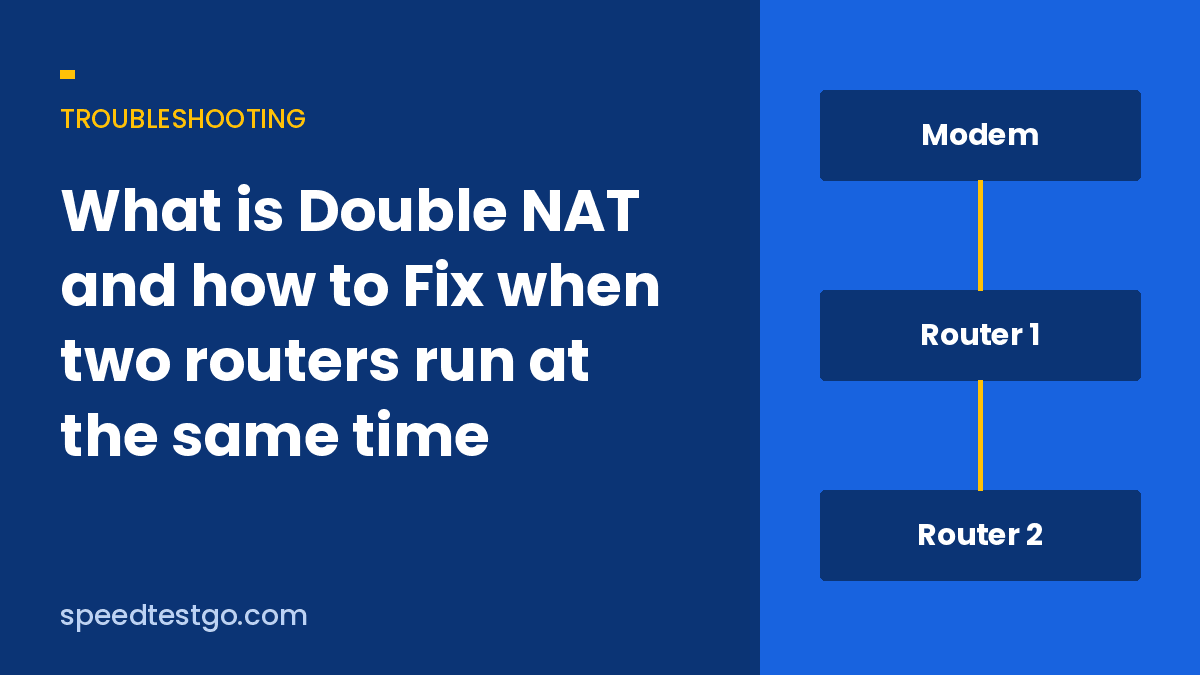
Restart the router and modem, and update the router firmware. An old router may not keep up with several devices. Running two routers or double NAT can also add trouble.
9. DNS or network congestion
Slow DNS makes pages and video start slowly. Try a public DNS such as 1.1.1.1 or 8.8.8.8 and use our DNS lookup to confirm a site resolves. Read more about network congestion if slowdowns come at peak hours.
Quick fix checklist
- Run a speed test and note download, ping and jitter.
- Lower the video quality one step.
- Switch to a different server or player on the site.
- Use Ethernet or move closer to the router.
- Turn off VPN and extensions.
- Restart your router and modem.
- Try again at a quieter time of day.
If the same site buffers on every device and every network, the fault is on its side and you can only wait or use another server.